How it works
Set up
Run the create command for a new site, or install the package in the docs project you already have.
Configure
Point it at your schema: SDL files, an introspection endpoint, GraphQL Config, or a code-first TS/JS schema.
Generate
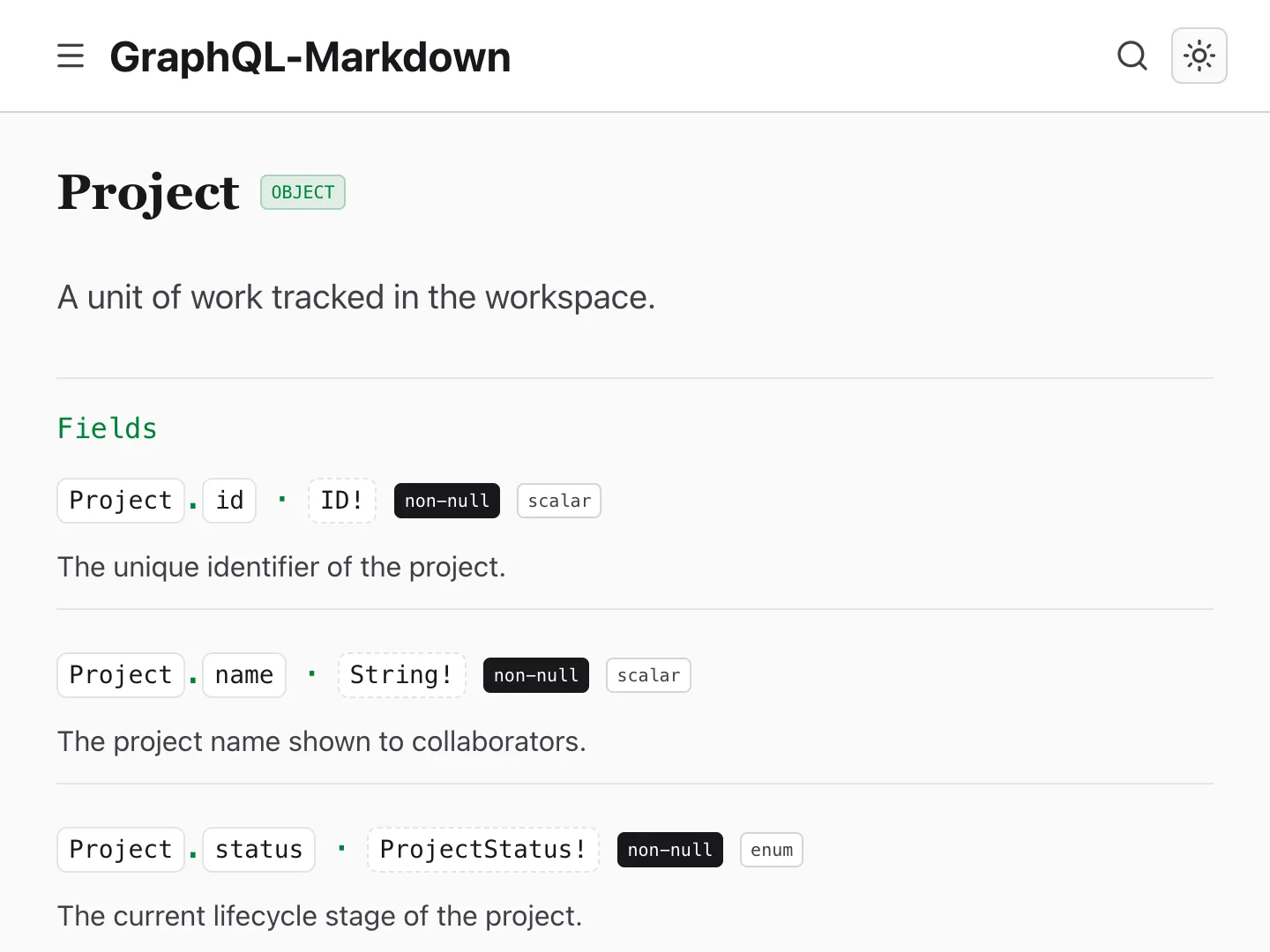
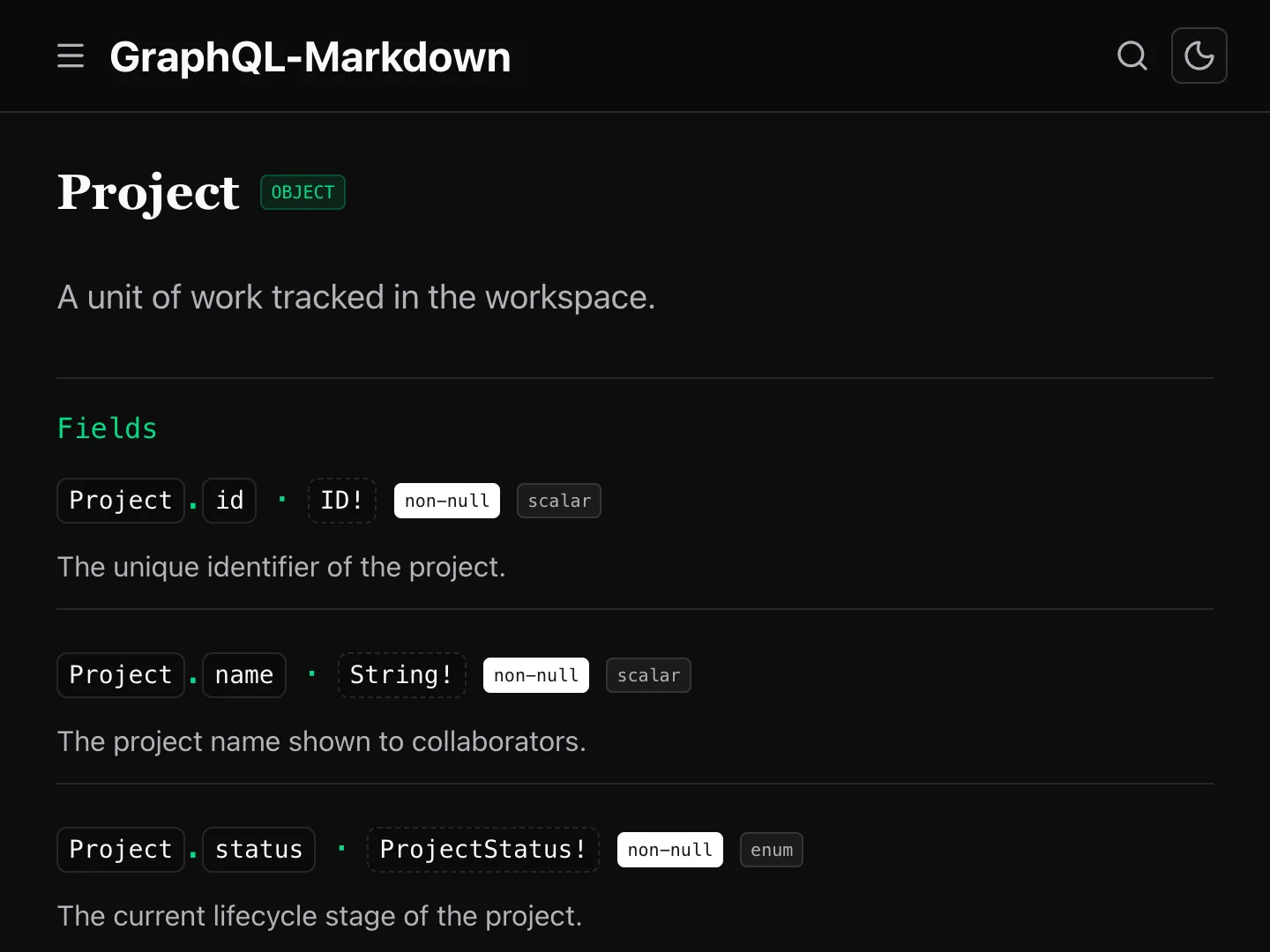
Run the CLI to get Markdown or MDX pages, ready for your docs site.
See it on your framework
Astro / Starlight
Starlight content collections generated from the schema.
DocFX
DocFX Markdown with a generated table of contents.
Docsify
Client-rendered Docsify v5 site with a generated sidebar.
Docusaurus
MDX pages with the Docusaurus formatter and sidebar categories.
HonKit
GitBook-style Markdown built with HonKit.
Hugo
Hugo-ready Markdown with front matter and shortcodes.
mdBook
Plain Markdown chapters for a Rust mdBook.
MkDocs
MkDocs site on the Read the Docs theme, with deprecations as admonitions.
Next.js / Fumadocs
Fumadocs MDX pages for a Next.js app.
Nuxt
The scaffolder's default Nuxt site with the GraphQL-Markdown theme.
Nuxt / Docus
Nuxt Content pages rendered by Docus.
Pelican
Python-Markdown pages from a custom formatter on the mkdocs preset.
Vite / Vocs
Vocs MDX pages built with Vite.
Zola
Zola sections with build-checked internal links.
Your stack?
Use the generic
mdxpreset, or fork a demo and try it with your own schema.
Why GraphQL-Markdown?
Schema to docs in one command
Get a page for every type, query, mutation, and subscription in your schema.
- Cross-linked types
- Deprecation notices
- Custom directive badges
Output adapted for your docs ecosystem
Generate Markdown or MDX. Formatter presets follow the conventions of Docusaurus, Nuxt, Hugo, MkDocs, and other targets.
Explore formatter presets →Free and open-source
MIT licensed and actively maintained. If it saves you time, consider planting a tree.
View on GitHub →